
When a deposit is missing or a withdrawal is stuck, you need Khelv customer care, the platform’s own support team. This page explains how to reach them and how to get a quick answer. Remember that khelv.org.in is a guide, not the platform, so we cannot fix account issues ourselves.
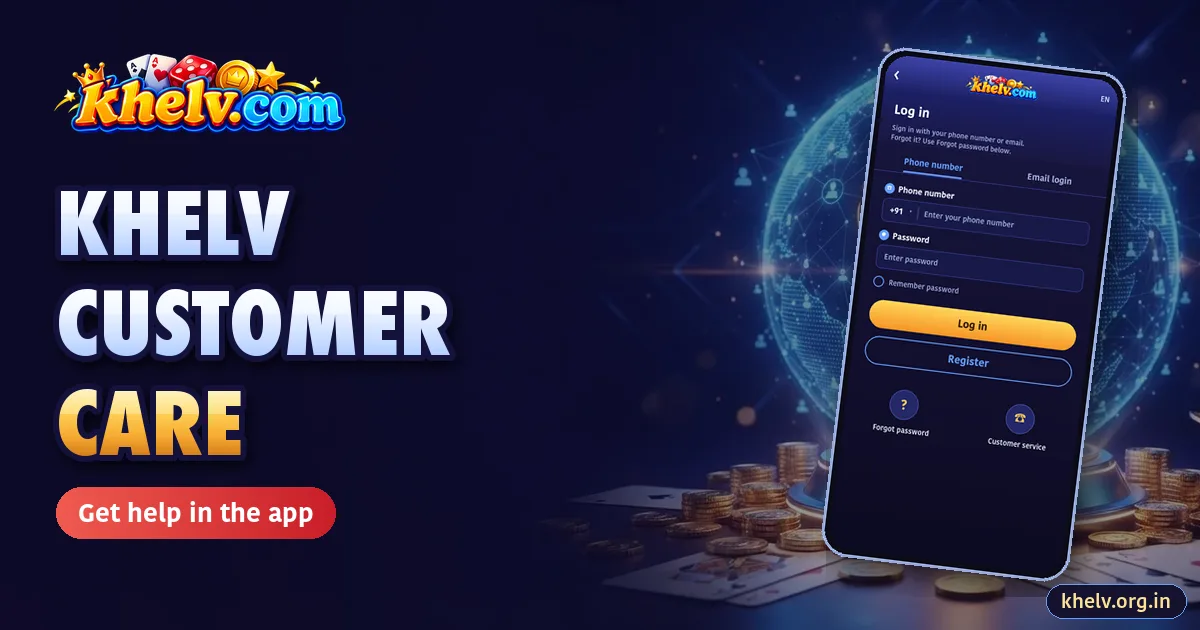
How to Contact Khelv Support
- Complete your Khelv login.
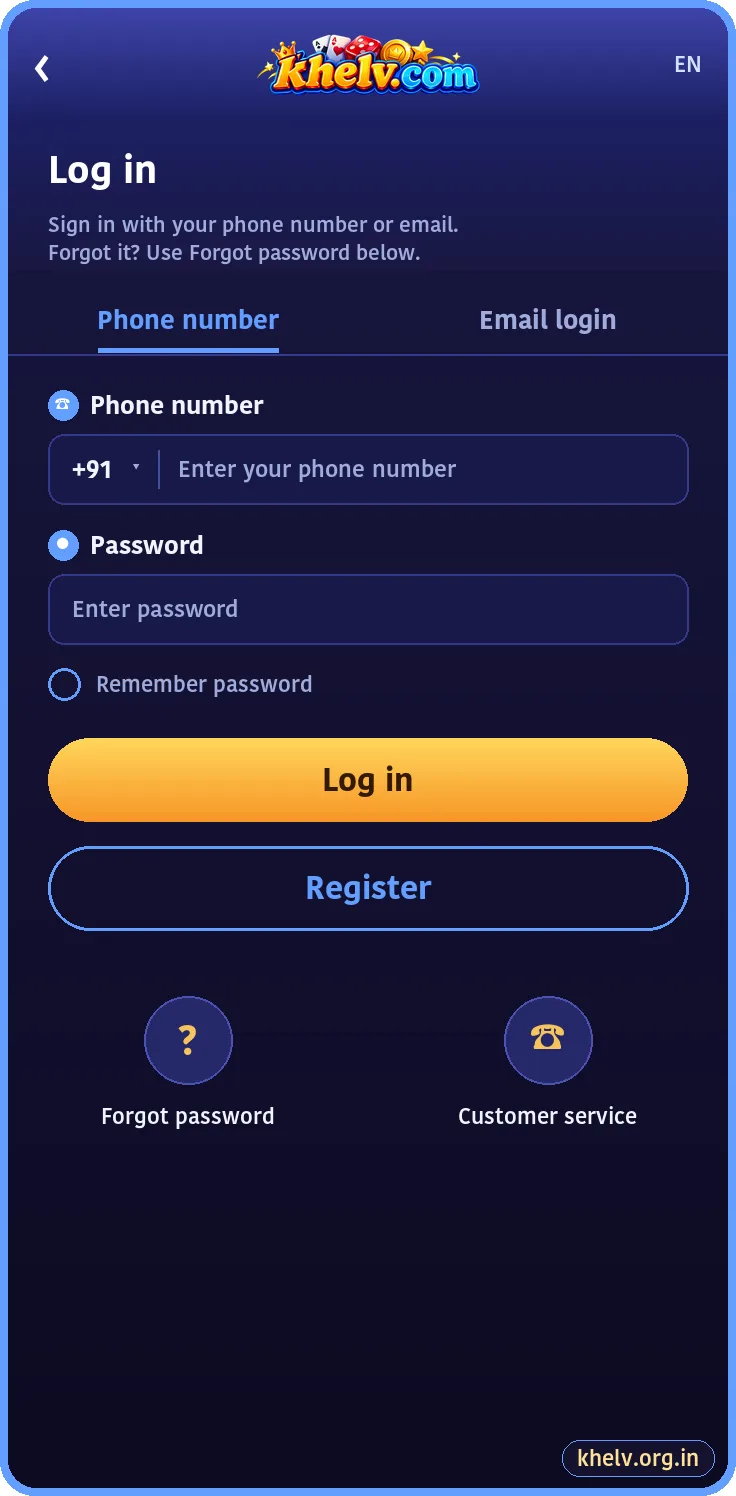
- Open Account and tap Customer Service, or tap Customer service on the login screen.
- Start a live chat or open a ticket.
- Describe the issue in one or two lines and attach screenshots.
What to Send
| Issue | Include |
|---|---|
| Missing deposit | UID, amount, time, UTR, payment screenshot |
| Pending withdrawal | UID, amount, request time, bank name |
| Login problem | Registered number, error message |
| Bonus question | Offer name, date, screenshot |
Response Times
Live chat usually replies within minutes; tickets within a few hours. Payment issues get priority. Adding notes to the same ticket is faster than opening new ones.
Fake Khelv Customer Care Numbers
Scammers post fake “Khelv customer care numbers” on search results and social media. Real support works inside the app. Nobody genuine will ask for your password, OTP, UPI PIN or a “refund fee”.
Before Contacting Support
- Check the Khelv FAQ; most answers are there.
- Wait 15 minutes for deposits and a few hours for withdrawals.
- Make sure the Khelv app is updated.
Related Khelv Guides
- Khelv Game – the complete Khelv guide home page
- Khelv First Deposit Bonus
- Khelv Invite Bonus Chart
- Khelv Game Tips
- Khelv Register
- Khelv Login